The 5 layers behind a second brain — and how I actually use mine. Live.
Egils — host
Today · ~90 min
What we'll do today
① Check-inwhat you built this week
② Why we do thisradiology · travel · why build your own
③ The systemthe 5 layers — where it lives, how to store it
④ See it live3 demos from my own brain
Goal: leave having built your first skill — we do it live in the last 10 minutes.
Every week · the engine
First — what did you build this week?
Each week we go round and share what we shipped. Not to impress — to keep moving.
💡Why this part matters most:Accountability turns intention into momentum — you move because the group will see. Sharing hands everyone real data and a live, working example to react to — that's where the best ideas, fixes and intros come from. The talking is the system.
No one gets left behind
We build this together
▹The community effect. Watching each other move is what carries you through the empty days — momentum you can't manufacture alone.
▹Be proactive — use us. Egils & Gianluca for 1:1 chats, calls, brainstorming, real consults. Don't sit stuck.
▹This is rare. Future cohorts won't get this level of direct access to us. Use it now.
Ask. Share. Pull each other forward.
Your turn — 60–90s each
So — what did you build or learn this week?
One win, one stuck point. We drop it into the system, live — and the group jumps in.
Why we do what we do · the "1997 of AI"
Same scan. Every era, less friction — now, better answers.
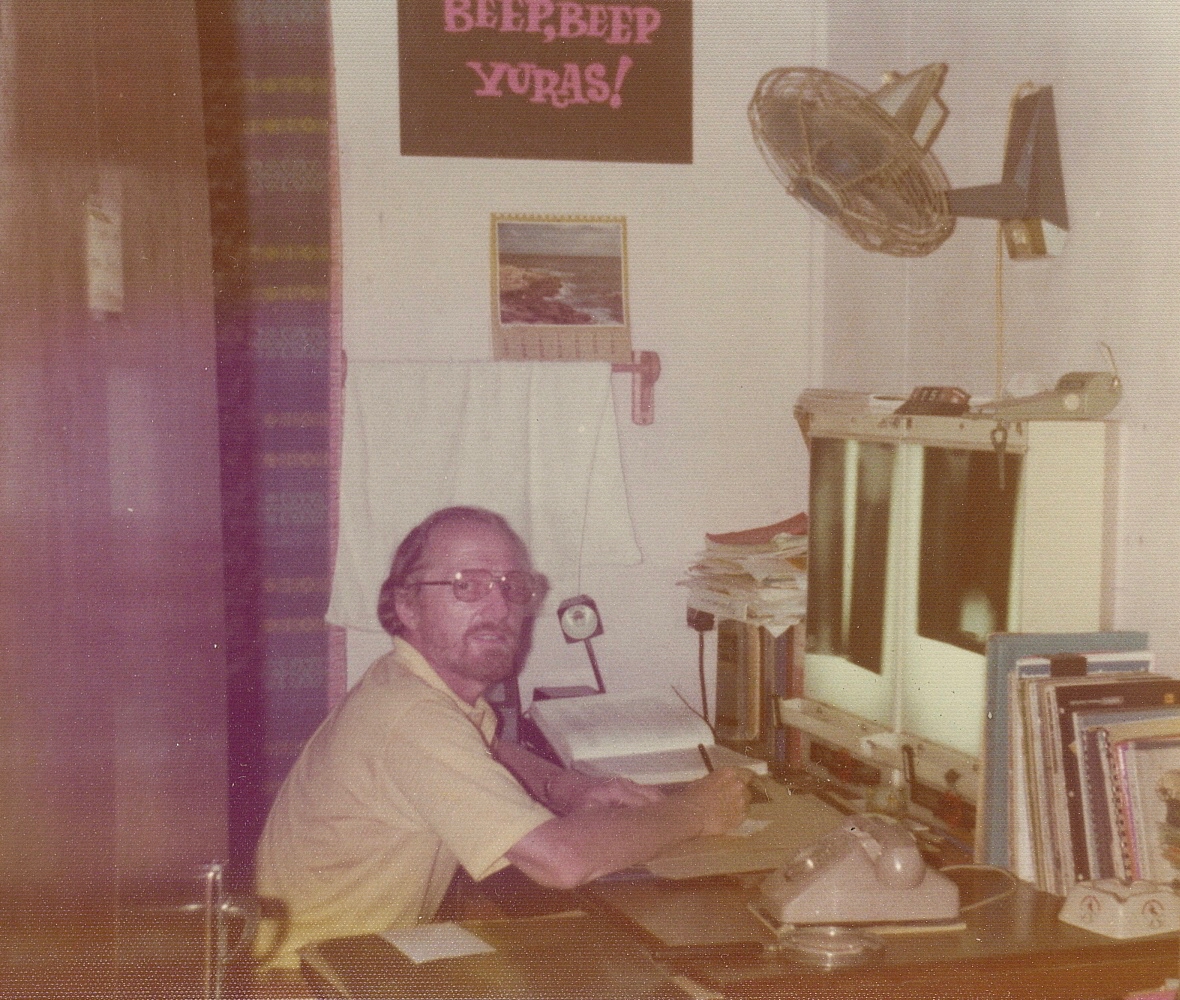
~1990s–2000s · FILM
You carried printed film doctor to doctor — non-urgent scans driven between hospitals by taxi.
Speed
Access
Cost
Insight
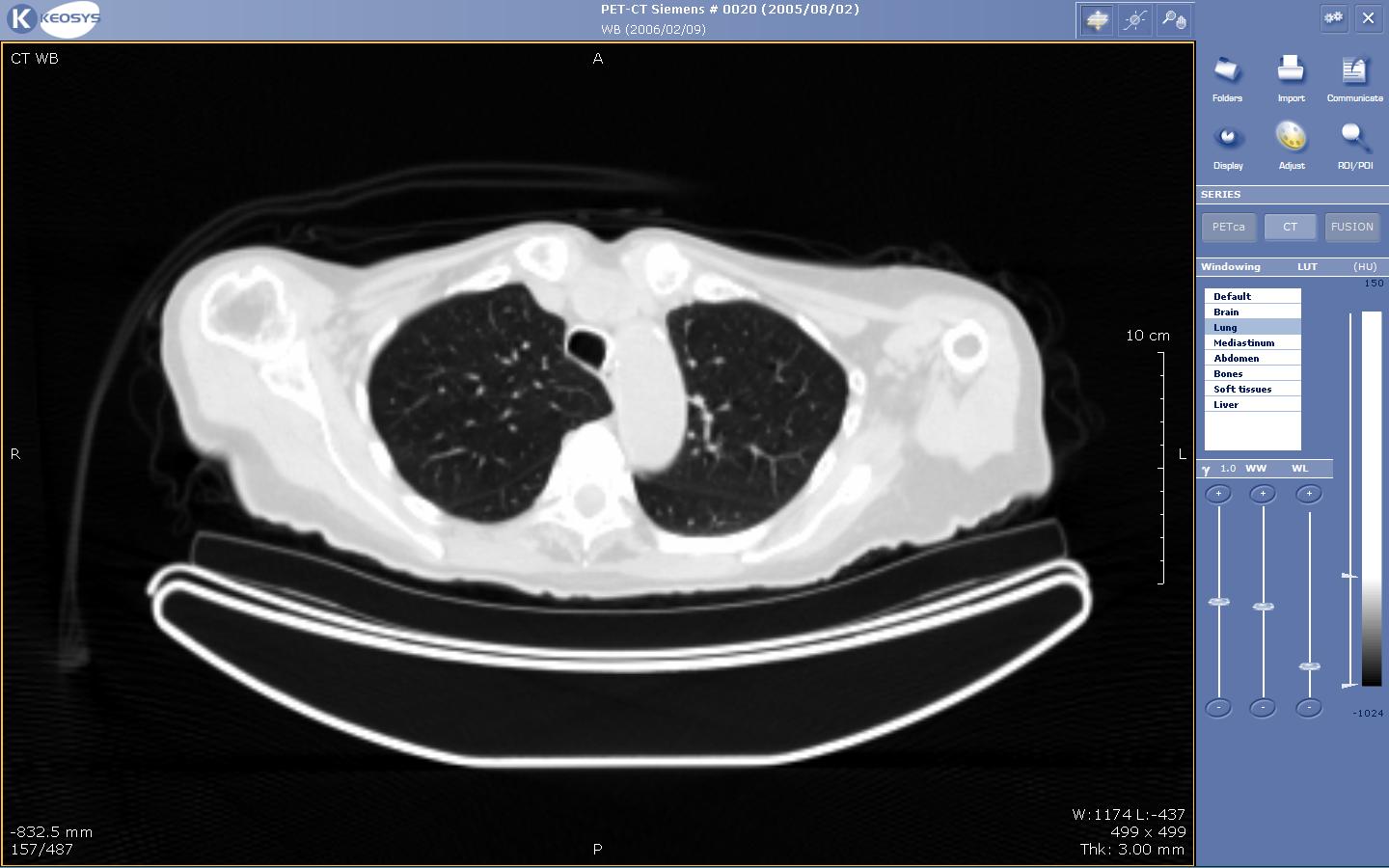
2010s–2020s · DIGITAL
Filmless — by 2007 every NHS England trust. The scan is in the system in minutes, everywhere at once.
Speed
Access
Cost
Insight
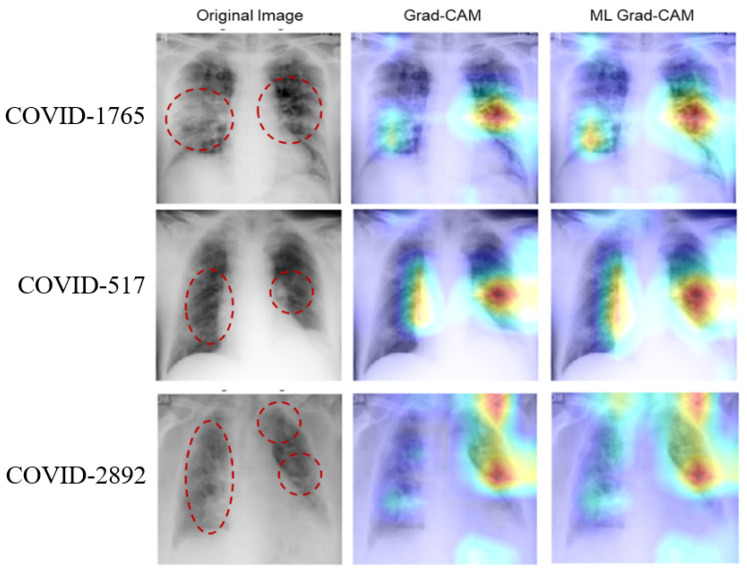
2020s–2040s · AI
AI reads the scan & flags findings. 76% of FDA medical AI is radiology; a 100k-woman trial: AI caught more cancers (81% vs 74%). And we're just at the start.
Speed
Access
Cost
Insight
We're at the "1997 of AI" — and it's arriving faster than the internet did. Build what you own now.
Booking a trip. Same seat — every era, less friction.
📞
~2000s · TRAVEL AGENT
You called, waited, paid a markup for the same flight. Agent jobs later fell ~70%.
Speed
Cost
Choice
💻
2010s–2020s · ONLINE
You book it yourself in minutes — same seat, no markup. Most trips are now booked online.
Speed
Cost
Choice
🤖
2020s–2040s · AI AGENT
You say "plan my trip" — AI books it. Analysts (IDC) expect up to 30% of bookings by AI agents by 2030. Just the start.
Speed
Cost
Choice
Same trip, same seat — the people who got online early own travel today. AI is that moment again.
Sources: travel-agent jobs −70% & self-serve online — TravelPerk (US BLS) · AI agents ~30% of bookings by 2030 — CNBC 2025, citing research firm IDC (International Data Corporation) · AI adopted faster than the internet — St. Louis Fed 2025.
So why build YOUR own?
The ones who build don't get left behind
Radiology and travel both got compressed. We don't know exactly what 2040 looks like — but we know who wins: the people who learn the new tool early and make it theirs.
▹AI skills already pay. Workers with AI skills earn a 56% wage premium — up from 25% just a year earlier.
▹Early adopters pull ahead. In real workplaces AI lifted output +14% on average — +34% for the newest workers — and cut writing time 40%.
▹We've seen this movie. When search replaced the Yellow Pages, those who moved online found better service for less — by 2011 most had dropped the phone book. AI is that switch again.
Build your own AI OS → you understand it, shape it, own your future — instead of being used by it.
⑤ FOCUS · what you do now — where it all turns into action
Layer 1 · loaded first
Constitution — who your AI is
Read at the start of every session — it's why your AI sounds like you, not generic. Four things go inside:
Identitywho you are · your story · your voice
Values + North Starwhat you're aiming at, and why
Rules + boundariesa few concrete "always / never"
Routingwhere things live · what to load when
Lives in whatever file your tool uses — ⚙️ OpenClaw config · 📄 SYSTEM.md · 🟣 CLAUDE.md. Different tools, same job.
Layer 1 · one file, or many?
How to hold it
🗂️ One fileSimplest — start here. Identity + values + rules in a single file.
🗃️ Many files (modular)Scales: a short root "router" + topic files that load on demand. Anthropic's own advice — keep the always-loaded file lean (<200 lines).
🔑"Won't a big constitution cost a fortune every message?" No — prompt caching: reload the same context and Claude caches it, so repeat reads cost ~90% less (0.1× the price) and start faster. A rich constitution is cheap to keep loaded.
And Skills load on demand (only a short description until you use one) — so you can have many without bloating context.
🗺️ CONTEXTThe map — what lives where, which command opens which file.
🧭 NORTH STARVision + this quarter's P1 / P2 / P3 → the piece that sorts everything. Every decision: "does it serve P1?"
🟢 NOWRolling focus, 7 spheres. I review it 2–4×/month — but the AI jots updates itself.
⚙️ PROTOCOLS · 🫀 SOUL · 👤 USERMy skills + tools list · personality · who I am.
All auto-load each session. This "lean router + load-on-demand" shape is exactly what Anthropic + practitioners recommend — one canonical source per topic, no padding.
Layer 2
Memory — what your AI knows
Pure life data, kept in folders. Mine = 7 spheres:
7 is a starting point, not a rule — you shape it to your life:
▹Heavy on business? Split it into clients, offers, content.
▹Only about you? Drop business entirely.
In practice: tell your AI "remember I'm training for a marathon" → it writes that into Body → next time you ask about food, it already knows. Add a folder only when it outgrows its parent — each builds their own.
Layer 2 · where it actually lives
Your data — own the files
✅ Source of truth: plain MD files YOU ownOn your own computer, or always-on (Raspberry Pi / VPS / hosting). Portable, vendor-lock-free, still readable in 20 years. The AI reads & writes these directly.
☁️ Backup + heavy files: cloud (Google Drive)A second copy — and the warehouse for big stuff: large PDFs, videos, whole books. Not the source of truth (sync breaks, formats lock you in).
💡My setup: the books sit on Google Drive; my summaries live as MD in my Memory layer. The AI works the MD — Drive just stores the heavy originals.
Principle: "File over app" — Steph Ango, CEO of Obsidian: if you want digital things that last, keep them as files you control, in formats easy to read.
A skill is an instruction your AI follows — written once, run forever. It reads your Constitution (acts like you) and Memory (knows the facts).
📝 It's just text you save. Paste this to your AI: "Every morning, read my calendar and write a short brief of who I'm meeting and what to prep." — that's a skill.
My real, named skills — each is just one written instruction:
Run my lifeIN7 · daily check-inNOW7 · refresh focusEXIT7 · loose-ends sweep
WorkFULL7 · call → profileFEED7 · feed → comments in my voiceSTABS7 · weekly scout
📄Steal mine: my skills as ready-to-use templates → loai.wisdomblend.com/skills.txt. Open it, paste it to your AI, say "Egils uses these — which fit me?" — then build your own. More examples: prompts.chat (150k+★, any AI).
Layer 4 · the hands
Tools — what it's plugged into
🔌MCP = the "USB-C port for AI" — one open standard, 10,000+ connectors since Nov 2024. A skill uses tools: the tool is the hand, the skill is the know-how.
💬 Communication
📄 Docs & Knowledge
📅 Plan & Tasks
🛠️ Build & Automate
💳 Commerce & Life
+ browser, web search, databases, design (Figma)… Start with 4–6. Add a tool only when a skill needs it.
Pick a source, scan it on a schedule, let the brain digest it. Each one = a single cron job. Start with one.
📅 DailyScan your calendar → a morning brief of today's meetings — who they're with and what to prep.
📧 DailyScan email → a digest of what came in and went out, so the brain always knows what's happening around you.
🕷️ WeeklyApify scans posts & comments (your channel, or a competitor) → a weekly read on the business or a person.
One source → one schedule → one digest into Memory. That's a living brain.
Now — see it live
3 demos from my own brain
Real data. Things an empty ChatGPT simply cannot do — because it doesn't have me.
Live demo · 1 of 3 · Memory × Skills
It knows my body
💬 "Given my DNA and my Garmin trend, what should this week's training focus be — and is my weight trend putting the Gauja Trail 50K at risk?"
🧬 DNAgenetic markers in memory
+
⌚ Garminsleep, load, weight — live
→
🎯 One answerpersonal, specific, today
Live demo · 2 of 3 · Skills × Tools
It turns a thought into a plan
💬 "Make a Google Doc for my son: a SUP trip down the Mazā Jugla. Put-in at Tīnūži, wake-up time, distance, and exactly what to pack — board, prep, water temperature, clothes — so he knows precisely what and how."
Same content my AI generated from one message — three formats. Pick for your audience.
Live demo · 3 of 3 · Skills × Tools × Research
It researches anyone — on its own page
💬 "Research [name] — pull their recent LinkedIn & social posts, articles, and what others say (via Apify). Write a positive, detailed profile, then publish it to a private, password-protected page with their photo. Make it shareable."
One message in → a private page out. Then I ask them: "can I feature you?"
Your homework — everyone, the same one
Build your Morning Brief this week
📋 Paste to your AI: "Every morning, read my calendar and write a short brief of who I'm meeting and what to prep." → run it tomorrow → tweak it. Done = your first working skill.
Post in the group: "my skill this week is ___" — next session opens with you showing it.